Dashboard
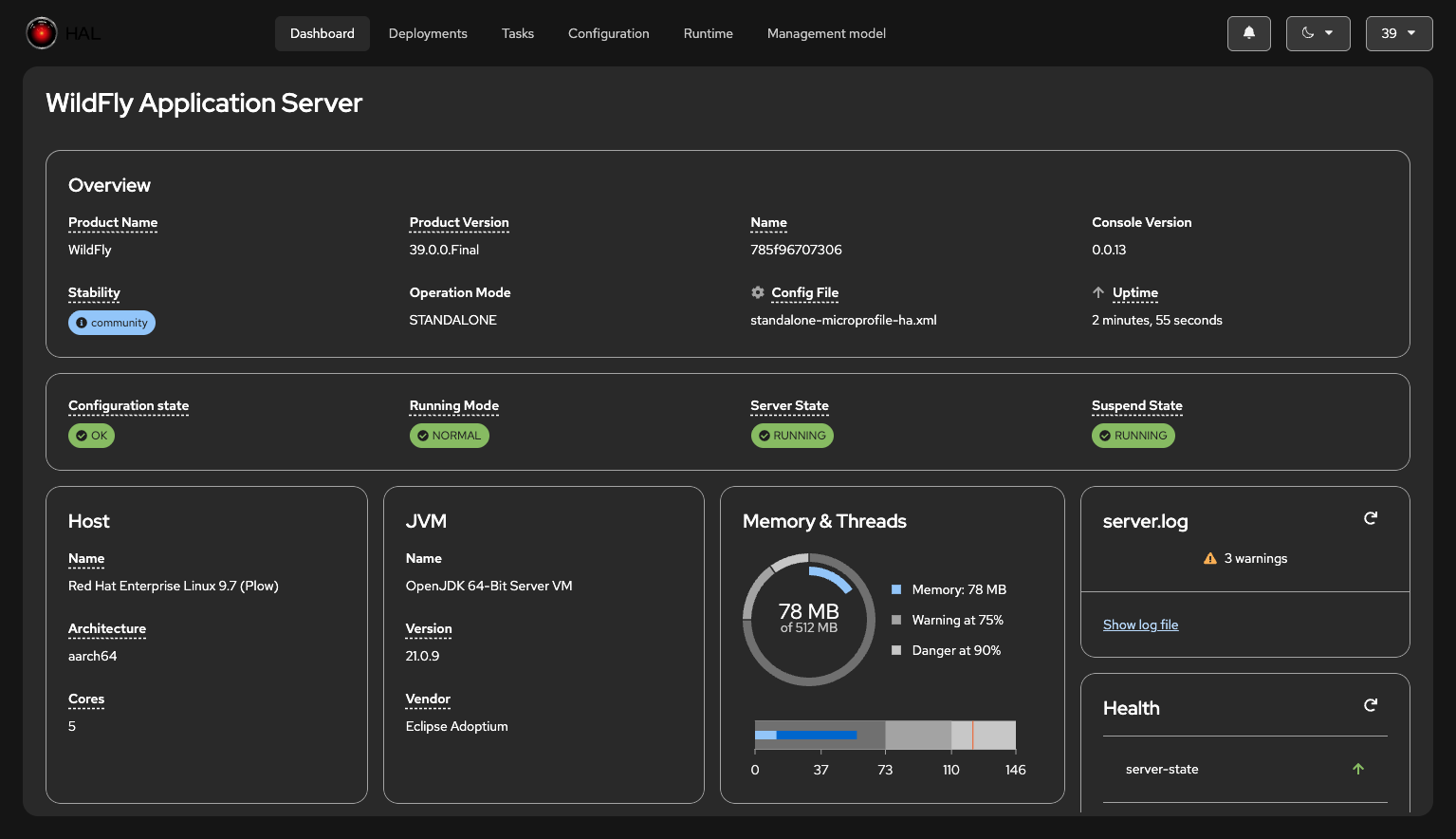
The dashboard provides an at-a-glance overview of key information about your WildFly server or domain. It uses a card-based layout to present essential metrics and status information in an organized, easy-to-scan format.
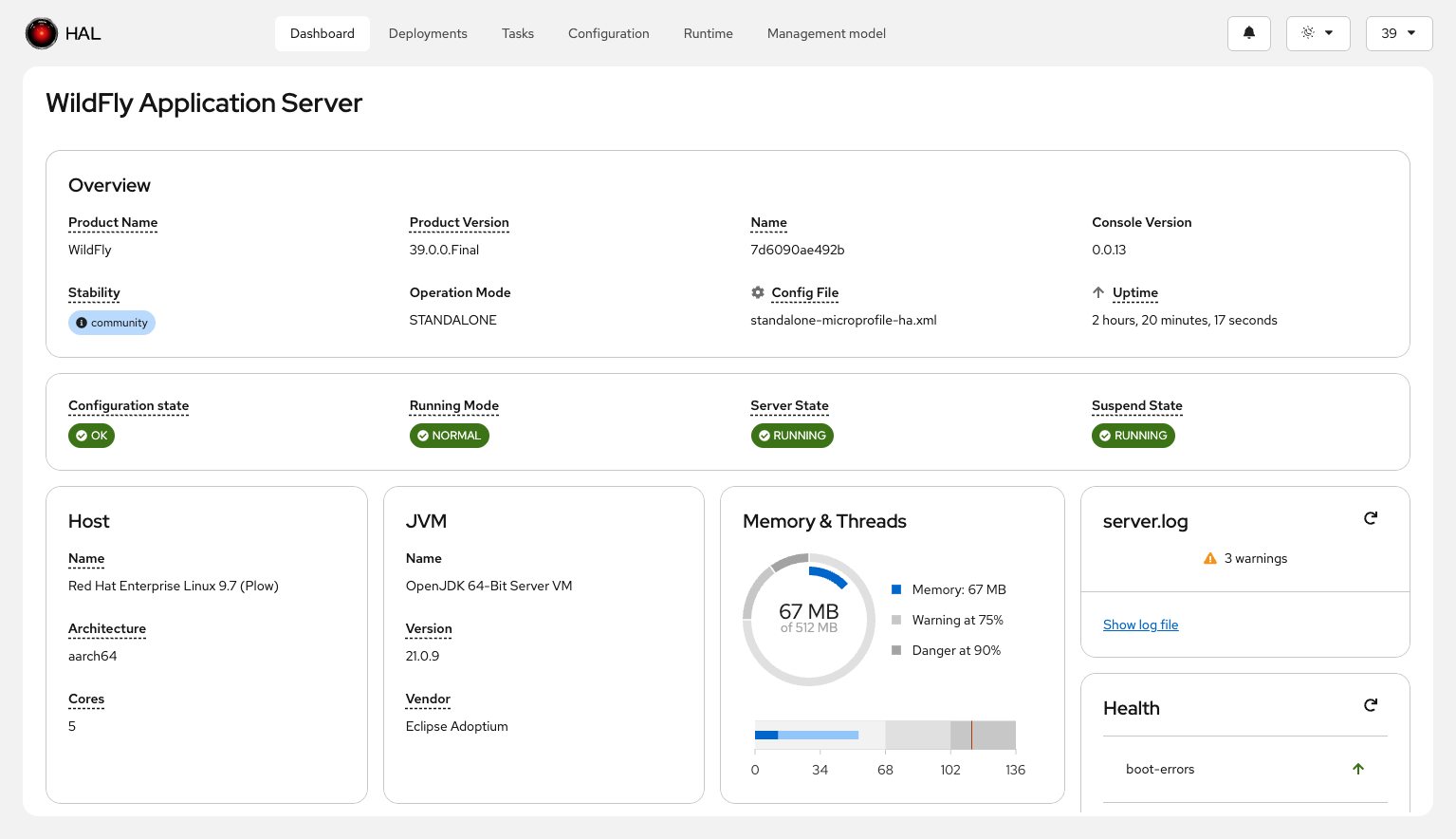
Universal Cards
These cards appear in both standalone server and domain mode:
- General Information: Server or domain identity, version, and configuration details
- Deployments: Status and overview of deployed applications
- Log File: Quick access to log file viewing and searching
- Host: Host system information
- JVM: Java Virtual Machine details and configuration
- Runtime: WildFly runtime information
- Memory: Heap and non-heap memory usage
- Threads: Thread pool status and metrics
- Help Links: Quick access to documentation and community resources
Domain-Specific Cards
When connected to a domain controller, additional cards provide domain-wide visibility:
- Hosts: Overview of all managed hosts in the domain
- Servers: Status of all server instances across hosts
- Profiles: Available server profiles
- Server Groups: Server group configuration and membership
The dashboard adapts to the selected theme and contrast settings, ensuring readability in any visual mode: